
Tools Every Small Creator Should Know
Creating content, managing designs, writing posts, organizing workflows, and building products can quickly become overwhelming for small creators and online businesses. Fortunately, modern AI tools make it possible to automate repetitive tasks, speed up creative workflows, and produce professional-quality content without large teams or expensive software.
From AI writing assistants and graphic design platforms to productivity tools and app builders, these tools can help creators save time and work more efficiently across everyday tasks.
Below are some of the most useful tools currently worth knowing for creators, freelancers, startups, and small online businesses.
WordHero
AI writing assistant for blog posts, marketing copy, emails, and social media content.
What It Does
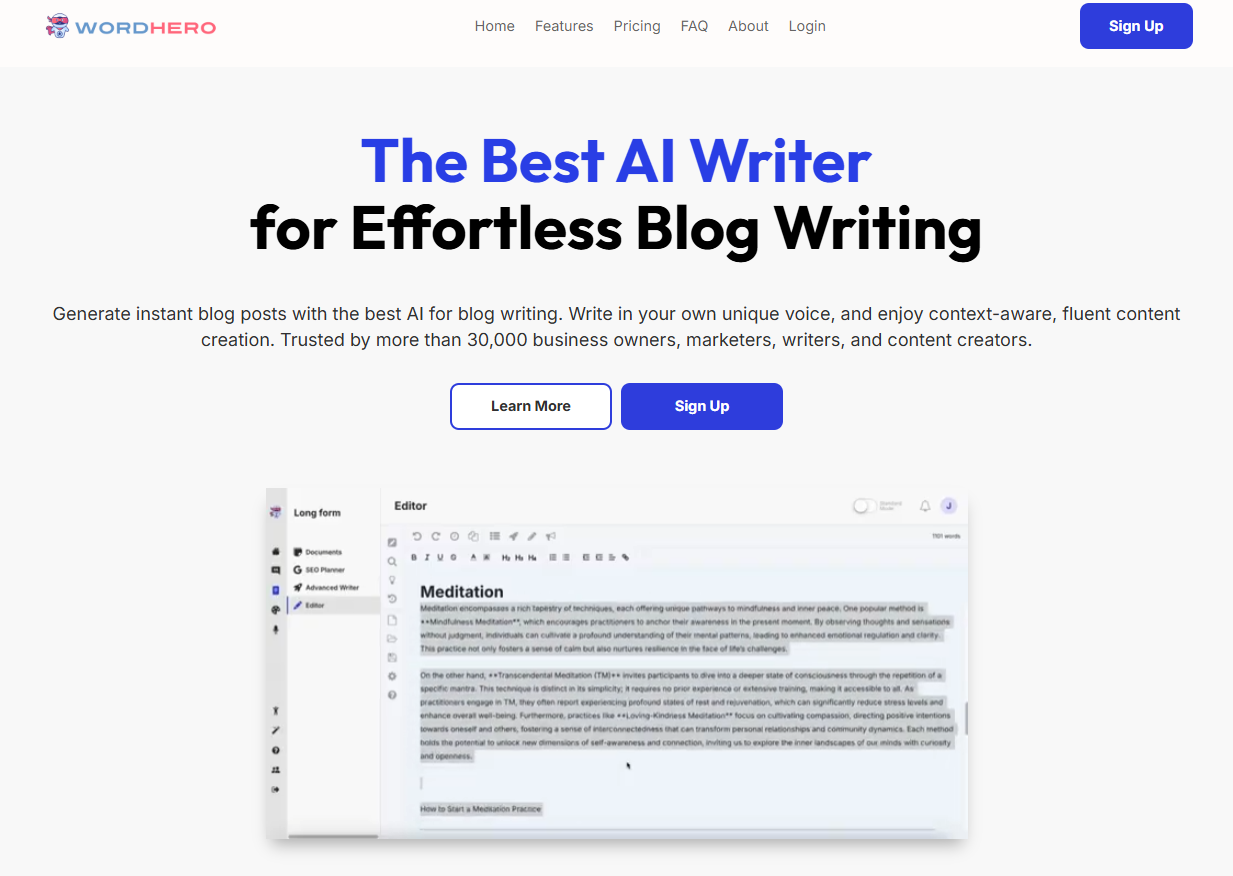
WordHero is an AI-powered writing tool designed to help users generate content quickly using prebuilt templates and long-form writing assistance.
Key Features
⭐ AI blog post generation
⭐ Marketing and ad copy templates
⭐ Long-form editor
⭐ Social media content generation
⭐ Multilingual support
Pros
✅ Beginner-friendly interface
✅ Fast content generation
✅ Supports many content types
✅ Unlimited writing on paid plans
✅ Helpful for overcoming writer’s block
Cons
❌ Content still requires editing
❌ Tone customization is limited
❌ Outputs can feel repetitive
❌ No built-in plagiarism checker
Best For
Bloggers, freelancers, marketers, and small businesses needing fast AI-generated written content.
Final Verdict
WordHero is a solid AI writing tool for creators who prioritize simplicity and speed over advanced customization.
Kittl
Browser-based graphic design platform focused on typography, print-on-demand, and AI-generated artwork.
What It Does
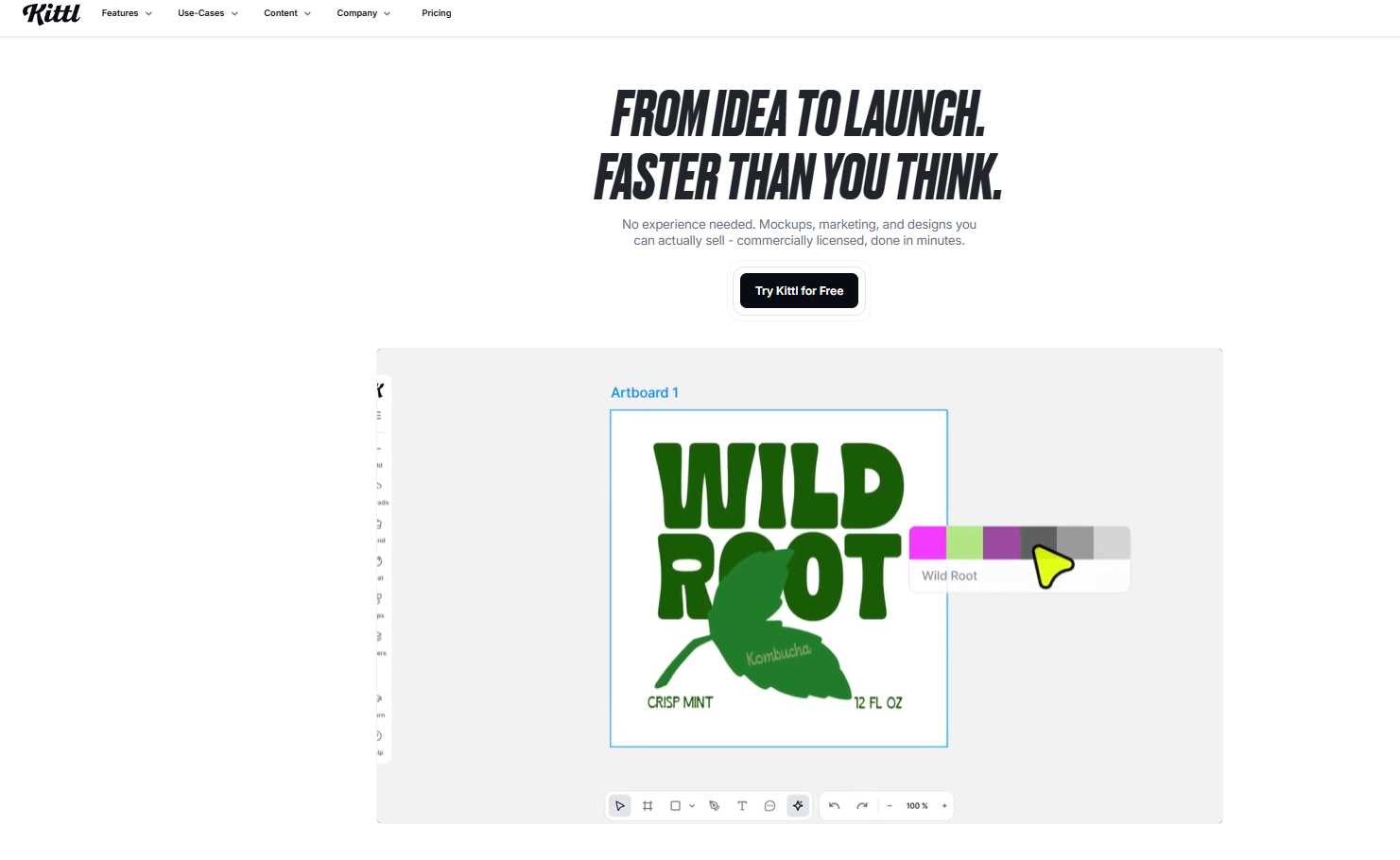
Kittl helps creators build professional-looking graphics, typography-based designs, and print-on-demand products directly inside the browser.
Key Features
⭐ AI image generation
⭐ Advanced typography tools
⭐ Vector editing
⭐ Templates for POD and social media
⭐ AI video generation
Pros
✅ Very beginner friendly
✅ Excellent typography controls
✅ Strong for print-on-demand workflows
✅ Multiple AI image models included
✅ No installation required
Cons
❌ Limited video editing capabilities
❌ Smaller template library than Canva
❌ No dedicated mobile app
❌ Large projects can slow down
Best For
Print-on-demand sellers, Etsy creators, social media creators, and beginners learning design.
Final Verdict
Kittl is one of the best browser-based design tools for creators focused on typography-heavy graphics and print-on-demand products.
Notion AI
AI-powered productivity assistant integrated directly into the Notion workspace.
What It Does
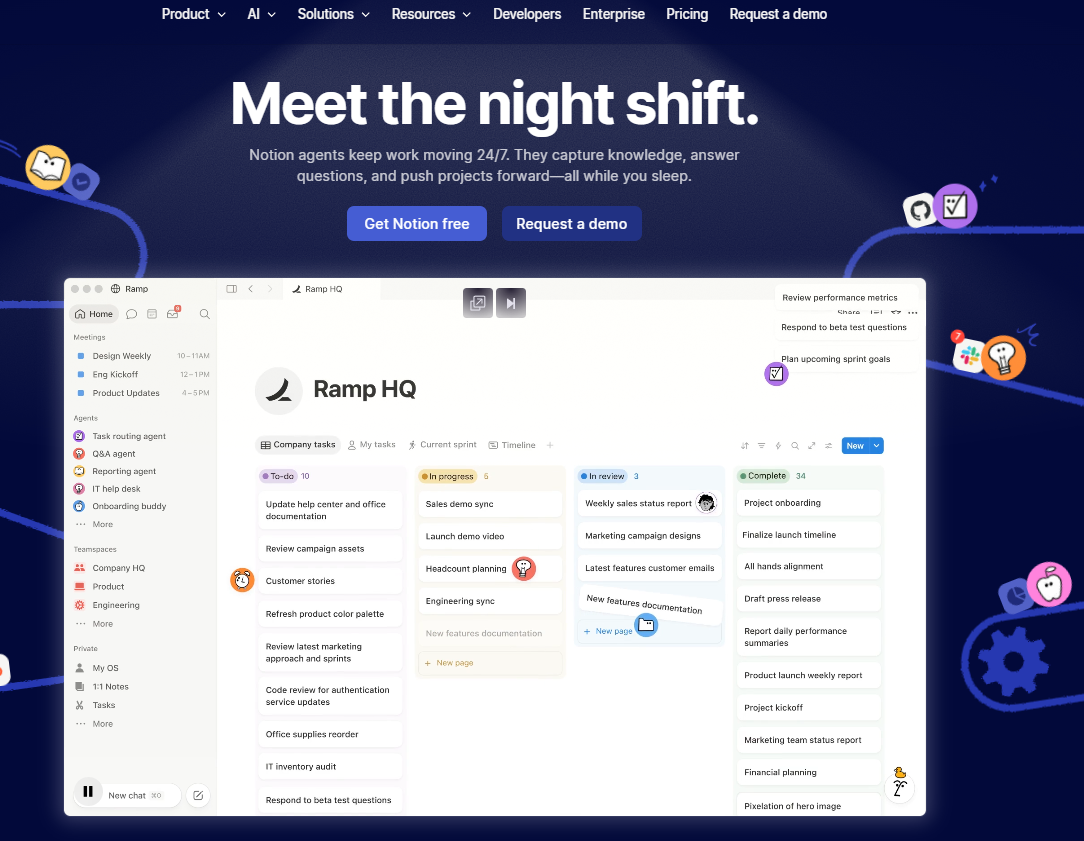
Notion AI helps users write, organize projects, summarize information, automate workflows, and search workspace data using AI inside the Notion platform.
Key Features
⭐ AI writing assistance
⭐ Workspace search with Ask Notion
⭐ AI meeting summaries
⭐ Database automation
⭐ Custom AI agents
Pros
✅ Excellent workspace integration
✅ Strong for teams and documentation
✅ Useful AI-powered search
✅ Saves time on repetitive organization tasks
✅ Flexible productivity system
Cons
❌ Advanced AI access is expensive
❌ Can feel overwhelming for beginners
❌ Large databases may become slow
❌ Less powerful for creative writing
Best For
Teams, startups, project managers, and users heavily invested in the Notion ecosystem.
Final Verdict
Notion AI is one of the strongest AI productivity tools for structured workflows, team collaboration, and knowledge management.
Canva
Browser-based design platform for fast content creation, marketing visuals, and social media graphics.
What It Does
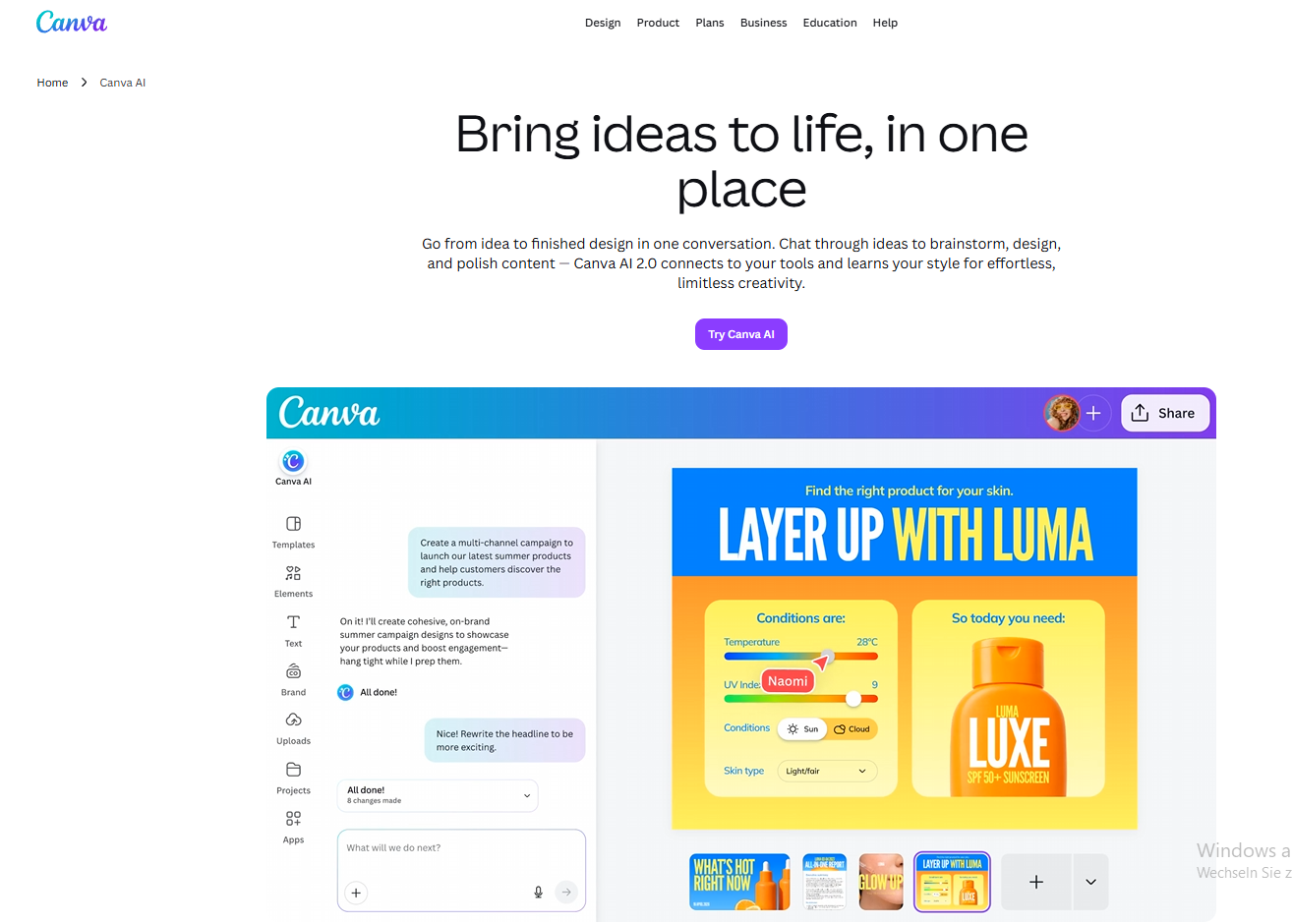
Canva allows users to create professional-looking visuals quickly using templates, drag-and-drop editing, stock assets, and AI-powered tools.
Key Features
⭐ Massive template library
⭐ AI tools like Magic Write and Text-to-Image
⭐ Brand kits and collaboration
⭐ Simple video editing
⭐ Social media and ecommerce workflows
Pros
✅ Extremely beginner friendly
✅ Huge asset and template library
✅ Excellent for fast marketing content
✅ Useful AI-assisted workflows
✅ Great collaboration features
Cons
❌ Limited advanced customization
❌ Designs can feel template-heavy
❌ AI outputs still need refinement
❌ Less suitable for professional illustration work
Best For
Content creators, ecommerce brands, marketers, and small businesses creating visuals regularly.
Final Verdict
Canva is one of the best tools for fast everyday design work and covers most content creation needs without requiring advanced design skills.
Lovable AI
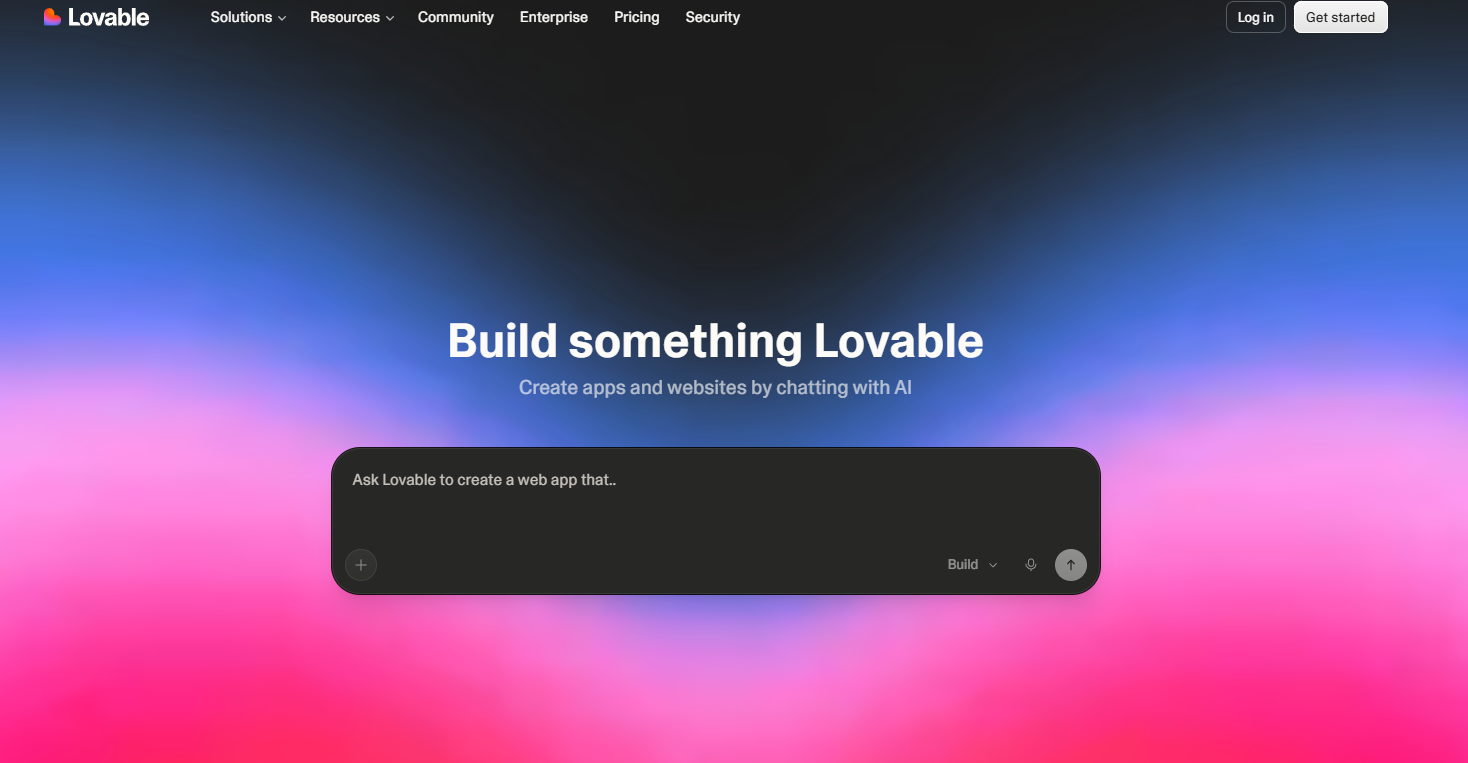
AI-powered app builder for creating web applications using natural language prompts.
What It Does
Lovable helps users generate web apps, MVPs, and prototypes through AI-generated code and visual editing instead of traditional programming.
Key Features
⭐ AI app generation
⭐ Supabase integration
⭐ GitHub sync
⭐ Visual editor
⭐ Team collaboration tools
Pros
✅ Extremely fast app development
✅ Beginner friendly for non-coders
✅ Full-stack app generation
✅ Exportable code ownership
✅ Good for rapid prototyping
Cons
❌ Complex apps still require debugging
❌ AI can struggle with advanced logic
❌ Usage limits on lower plans
❌ Not ideal for enterprise-scale applications
Best For
Startup founders, freelancers, non-coders, and teams building MVPs or internal tools quickly.
Final Verdict
Lovable is one of the most promising AI app builders for fast product development and idea validation, especially for startups and creators without deep coding experience.