
Excalidraw vs. Napkin AI: Which Tool Is Better for Creating Diagrams?
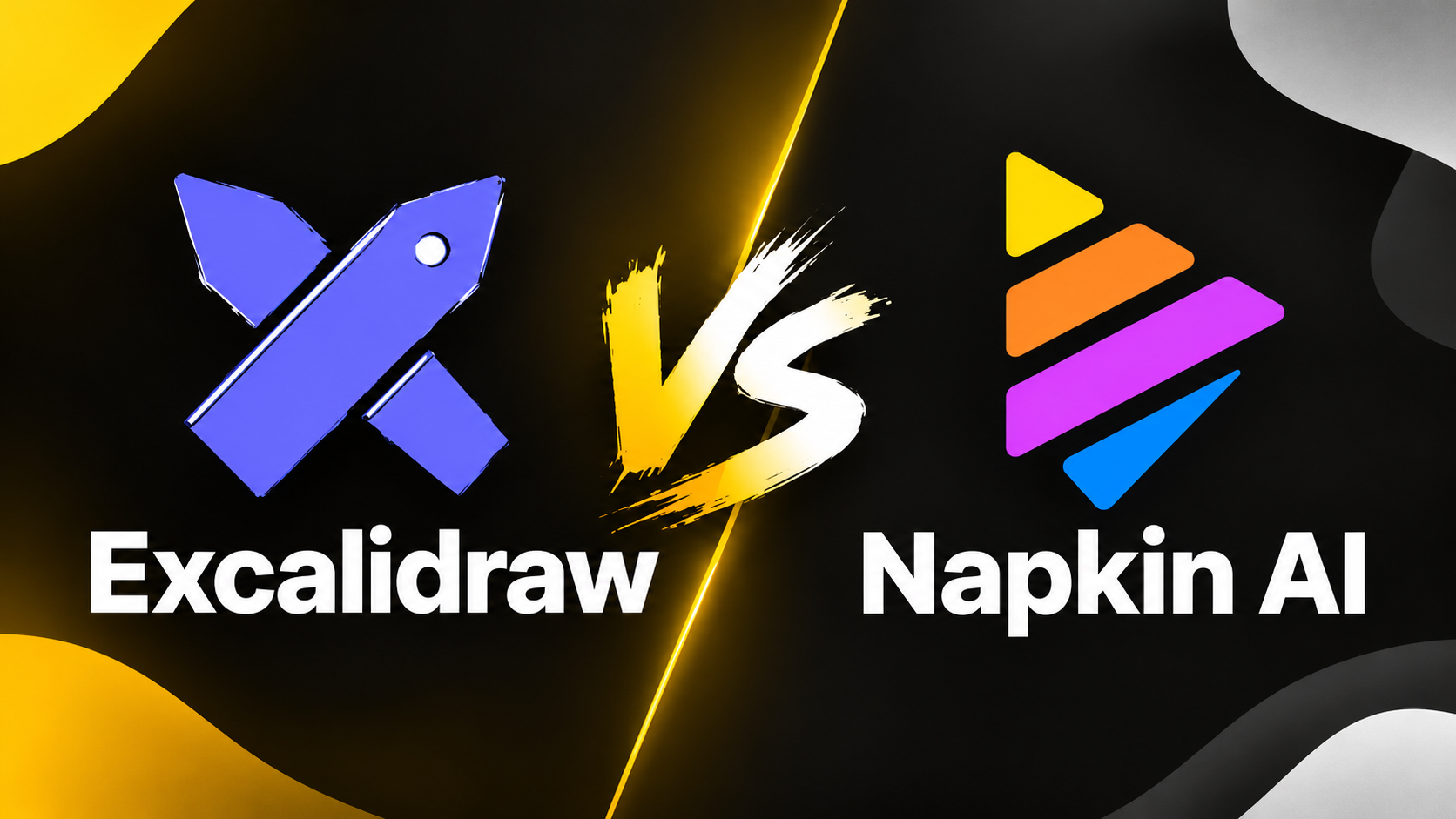
Creating diagrams, flowcharts, and visual explanations doesn’t have to take hours. But should you draw everything yourself, or let AI turn your text into visuals? That’s the main difference between Excalidraw and Napkin AI. Both help you communicate ideas visually, but they approach the process from different directions. In this comparison, we’ll look at their features, free plans, pricing, strengths, and limitations to help you decide which tool fits your workflow best.
Excalidraw vs. Napkin AI at a Glance
* Prices shown are based on annual billing and may change over time.
Excalidraw
A free, open-source digital whiteboard for creating hand-drawn diagrams, flowcharts, sketches, and wireframes.
What It Does
Excalidraw is an open-source digital whiteboard that allows you to create diagrams, flowcharts, mind maps, wireframes, and sketches.
Its signature feature is its hand-drawn appearance. Instead of automatically producing polished corporate-style graphics, Excalidraw gives your diagrams a more informal, sketch-like look.
You can start with a blank canvas, arrange shapes and text, connect elements with arrows, and build a visual representation of almost any idea.
Excalidraw also offers AI-assisted diagram generation, so it isn’t limited to manually creating everything from scratch.
Key Features
⭐Infinite canvas: Arrange ideas freely without being restricted to a fixed page.
⭐Manual drawing tools: Create shapes, arrows, text, and custom diagrams.
⭐AI-assisted creation: Generate diagrams and other supported visuals from text or structured inputs.
⭐Real-time collaboration: Work on diagrams with other people.
⭐Export options: Save your work as PNG, SVG, or editable drawing data.
⭐Obsidian integration: Incorporate visual diagrams into your note-taking and knowledge-management workflow.
⭐Open-source foundation: The core editor is publicly available.
Pricing & Plans
Pros
✅ Generous free editor with no subscription required for basic diagramming.
✅ Flexible canvas and detailed manual control.
✅ Distinctive hand-drawn aesthetic.
✅ Useful for brainstorming, wireframes, and technical diagrams.
✅ AI features can reduce manual work.
✅ Open-source core application.
Cons
❌ Creating complex diagrams manually can take time.
❌ The sketch-like style isn’t ideal for every professional presentation.
❌ The free editor has limitations around cloud storage, workspace organization, and advanced sharing.
❌ AI-generated diagrams may still need manual adjustments.
Best For
Excalidraw is best for people who want control over their diagrams and enjoy building visual explanations themselves.
It’s particularly useful for developers, students, entrepreneurs, and content creators who need to sketch ideas, map processes, or create diagrams that they can customize in detail.
Napkin AI
An AI-powered visual tool that transforms written ideas into diagrams, infographics, and other visual content.
What It Does
Napkin AI takes a different approach. Instead of starting with a blank canvas, you provide text and let the AI generate visual representations of your ideas.
You can paste a paragraph, a list of steps, or an explanation of a process. Napkin then suggests visual layouts that can help communicate the information more clearly.
This makes it particularly appealing when you already have the content but don’t want to spend time designing the accompanying diagram.
For example, you could paste a description of a marketing funnel and use Napkin to generate a visual overview of its different stages.
Key Features
⭐ Text-to-visual generation: Transform written explanations into diagrams and other visual formats.
⭐ Multiple design options: Explore different visual representations of the same content.
⭐ Editable results: Adjust layouts, colors, text, and other supported elements after generation.
⭐ Export options: Download visuals for use in articles, presentations, and documents.
⭐ File imports: Import supported formats, including PDF, DOC, PPT, HTML, and Markdown.
⭐ AI-assisted presentations: Napkin also offers slide-generation capabilities.
⭐ Brand customization: Paid plans provide additional options for brand styles, fonts, and visual consistency.
Pricing & Plans
Pros
✅ Generates visuals without requiring you to draw every element manually.
✅ Particularly useful for turning written content into diagrams quickly.
✅ Offers multiple visual alternatives.
✅ Generated visuals can be edited after creation.
✅ Useful for blog posts, educational content, presentations, and business documentation.
✅ The free plan allows you to experiment with AI-generated visuals.
Cons
❌ The free plan is limited to 500 AI credits per week.
❌ Free exports carry Napkin branding.
❌ Generated layouts may not match your intended structure perfectly.
❌ Design customization is less flexible than building a diagram from scratch.
❌ Repeated generations consume additional credits.
❌ The tool is less suitable when you need precise control over every element.
Best For
Napkin AI is best for content creators, marketers, educators, and business professionals who regularly turn written information into visual content.
If you already have an explanation, process, or article and want to create a diagram without designing it manually, Napkin can save time.
Excalidraw vs. Napkin AI: What’s the Difference?
The biggest difference between Excalidraw and Napkin AI is their approach to visual creation.
Excalidraw is a flexible digital drawing tool. It gives you control over creating and customizing diagrams, flowcharts, sketches, and wireframes on a digital canvas.
Napkin AI focuses on AI-powered visual generation. It transforms written ideas into diagrams, infographics, and other visuals with minimal manual effort.
This means the better fit depends largely on whether you prefer to create diagrams yourself or let AI turn your text into visuals.
Final Takeaway
Choose Excalidraw if you want more control over your diagrams and prefer a flexible drawing canvas. Choose Napkin AI if you want to transform text into visuals quickly with minimal manual effort. Both offer free plans, so you can try them out and decide which one works best for you.