

AI tools are becoming one of the easiest ways to save time in everyday digital work. Tasks that previously required hours of writing, researching, organizing, or repetitive manual work can now often be completed in minutes with the help of AI.
The biggest advantage is not just speed, but efficiency. Instead of focusing on repetitive tasks, users can spend more time on creativity, strategy, and execution.
Below are some AI tools that can help improve productivity and save time across different types of workflows.
Wispr Flow
AI dictation tool that turns voice into clean writing across almost any app.
What It Does
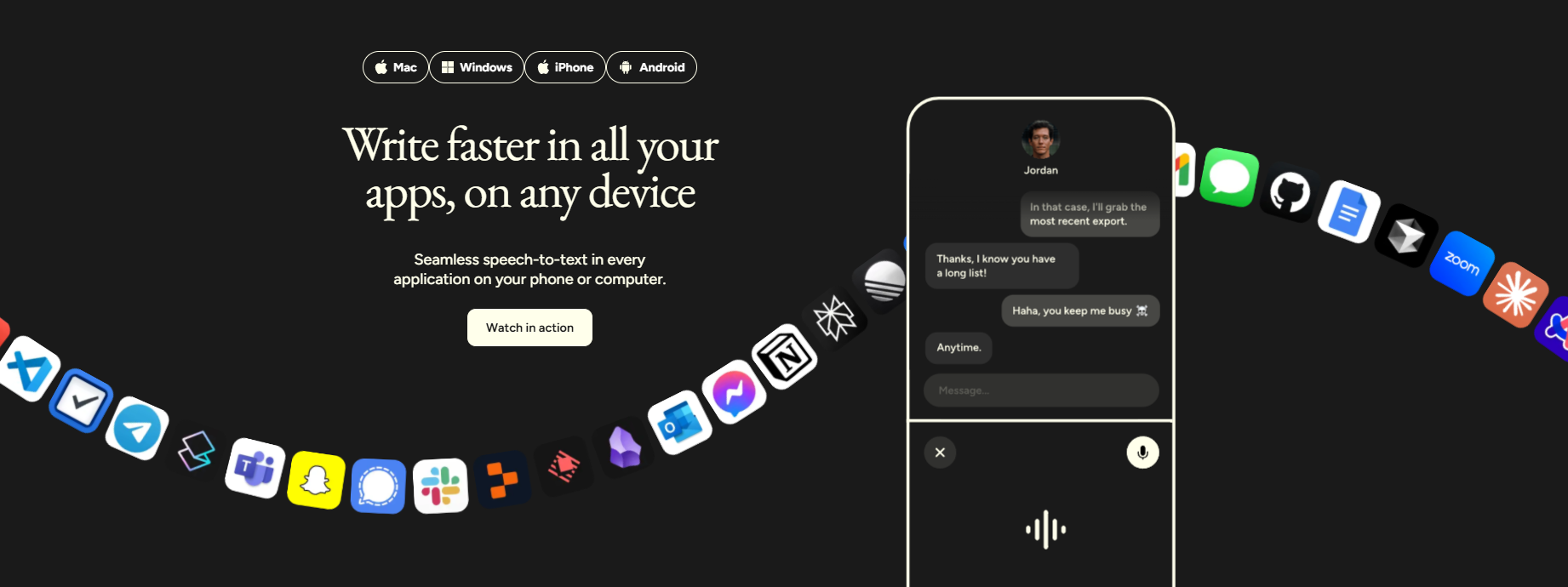
Wispr Flow is an AI-powered voice dictation tool that lets you speak instead of type. It works system-wide on your computer, meaning you can use it inside apps like Notion, Gmail, Slack, ChatGPT, or Google Docs without switching tools.
Unlike standard speech-to-text software, Wispr Flow automatically improves punctuation, formatting, and sentence structure in real time.
Key Features
⭐ System-wide voice dictation
⭐ Works across most desktop apps
⭐ AI-enhanced grammar and formatting
⭐ Fast transcription with natural speech support
⭐ Minimal setup and lightweight workflow
Pros
✅ Works across almost any app
✅ Faster than typing for many users
✅ Good speech recognition accuracy
✅ Cleans up grammar automatically
✅ Great for emails, notes, and prompts
Cons
❌ Accuracy depends heavily on microphone quality
❌ Struggles in noisy environments
❌ Free plan has usage limits
❌ Mobile experience is weaker than desktop
Best For
Content creators, professionals, and heavy computer users who want to speed up writing workflows using voice instead of typing.
Final Verdict
Wispr Flow is one of the most practical AI dictation tools currently available. The biggest advantage is how naturally it fits into everyday workflows without requiring users to change apps or learn complex systems.
Ideamap AI
Visual AI brainstorming tool for organizing and expanding ideas collaboratively.
What It Does
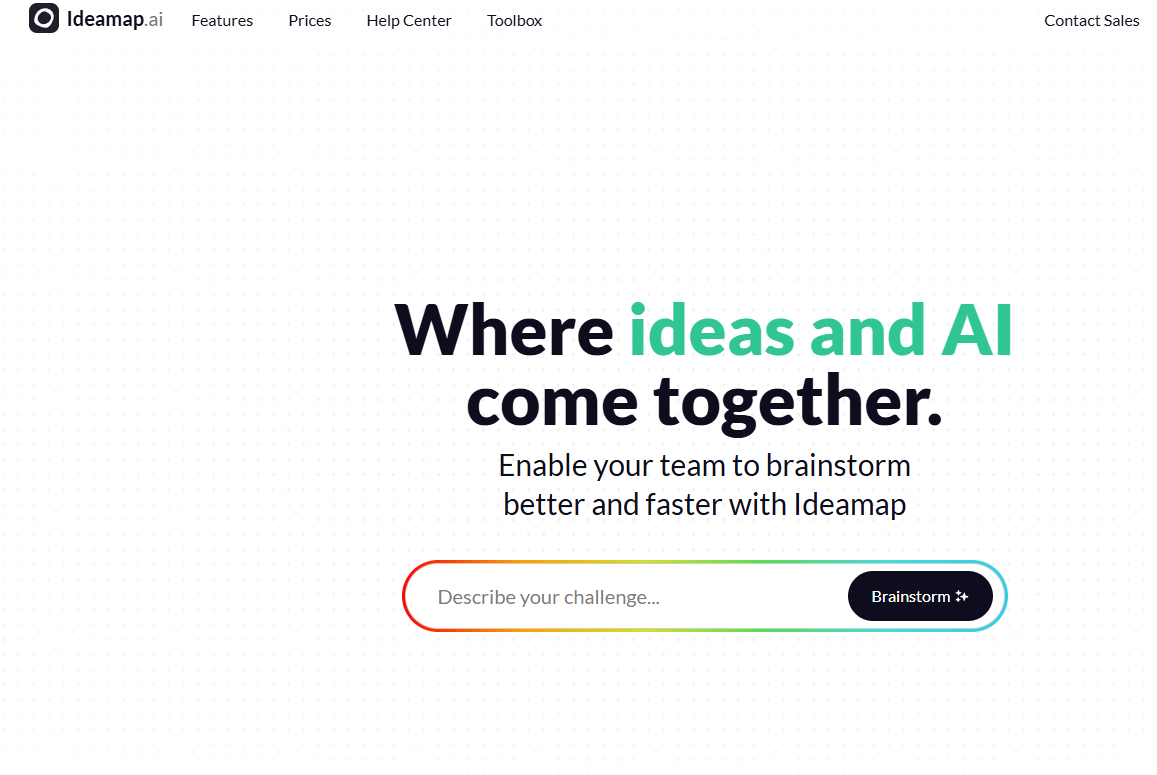
Ideamap AI is a browser-based brainstorming platform that helps teams generate, structure, and organize ideas visually. Instead of using a chaotic digital whiteboard, the tool uses AI to group related concepts and guide brainstorming sessions more effectively.
Key Features
⭐ AI-generated idea suggestions
⭐ Interactive visual mind map canvas
⭐ Automatic idea clustering
⭐ Real-time collaboration
⭐ Templates for workshops and planning sessions
Pros
✅ Very easy to use
✅ Strong visual organization
✅ Helpful AI-assisted idea expansion
✅ Good collaboration features
✅ Useful built-in templates
Cons
❌ Boards can become cluttered quickly
❌ AI suggestions sometimes feel generic
❌ Requires stable internet connection
❌ Fewer integrations than larger competitors
Best For
Marketing teams, startups, product teams, agencies, and educators working on idea-heavy workflows or collaborative planning.
Final Verdict
Ideamap AI works best as a lightweight AI brainstorming platform for teams that prefer visual collaboration. It’s simple, fast, and useful for structuring messy ideas into something more organized.
Perplexity AI
AI-powered search engine focused on research, summaries, and cited answers.
What It Does
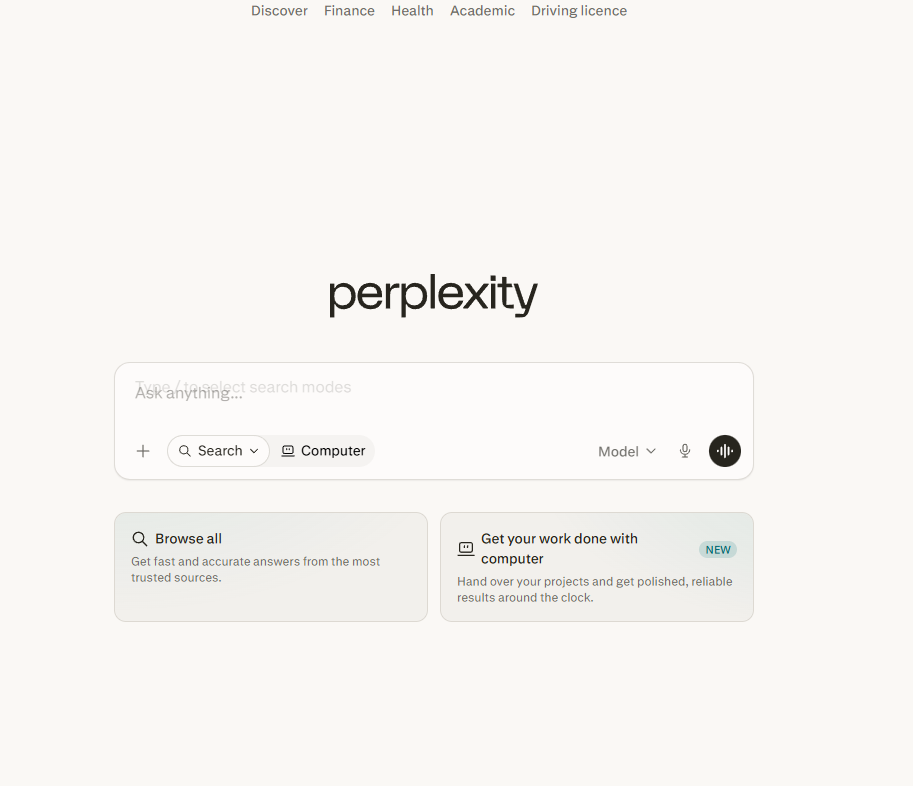
Perplexity AI combines real-time web search with large language models to generate fast, source-backed answers. Instead of acting like a traditional chatbot, it focuses on research workflows by attaching citations and summarizing information from multiple sources.
Key Features
⭐ Real-time web search
⭐ Source-backed answers with citations
⭐ Pro Search for deeper research workflows
⭐ Multiple AI model options
⭐ Focus modes for specific use cases
⭐ Project organization with Spaces
Pros
✅ Excellent for fast research
✅ Built-in citations improve trustworthiness
✅ Clean and simple interface
✅ Strong for comparisons and summaries
✅ Helpful focus modes and organization tools
Cons
❌ Weaker for creative writing tasks
❌ Can oversimplify complex topics
❌ Less conversational than ChatGPT or Claude
❌ Mobile experience feels less polished
Best For
Students, researchers, marketers, analysts, and anyone who needs fast access to source-backed information.
Final Verdict
Perplexity AI is one of the strongest AI research tools currently available. While it doesn’t replace conversational AI tools entirely, it excels at fast, reliable, citation-based research.
Bardeen AI
Browser automation tool for repetitive workflows, scraping, and research tasks.
What It Does
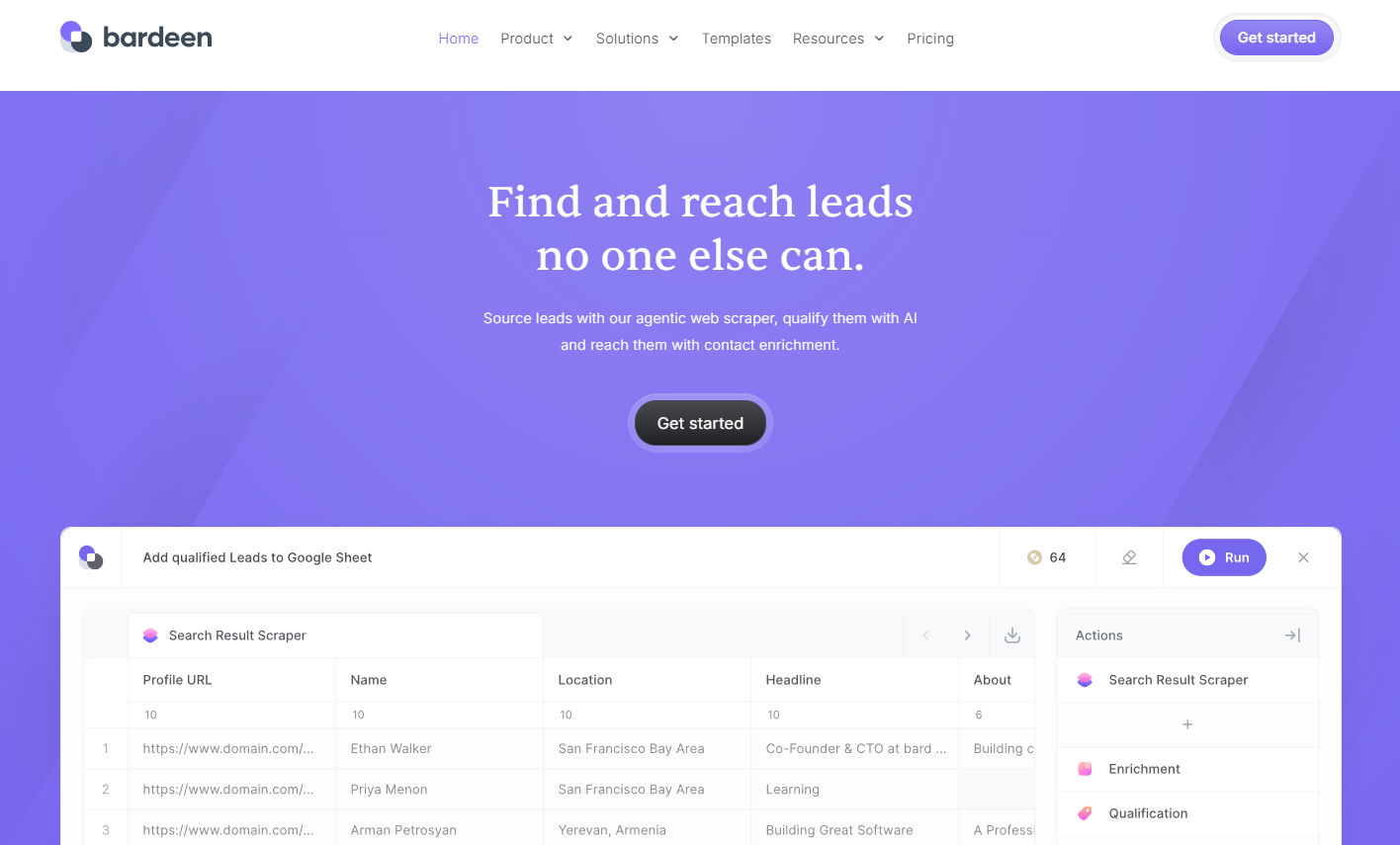
Bardeen AI is a browser-based automation platform that helps users automate repetitive online workflows without coding. It works mainly through a Chrome extension and focuses heavily on browser actions like scraping data, updating spreadsheets, and automating research tasks.
Key Features
⭐ AI workflow generation with Magic Box
⭐ Browser automation and scraping
⭐ Prebuilt automation playbooks
⭐ AI assistants for research and writing
⭐ Google Sheets and CRM workflows
Pros
✅ Easy setup for beginners
✅ Strong browser automation capabilities
✅ Great for lead research and scraping
✅ Saves time on repetitive admin work
✅ Usable free plan
Cons
❌ Advanced workflows can become confusing
❌ Credit system can feel limiting
❌ UI occasionally feels clunky
❌ Fewer integrations than Zapier
Best For
Sales teams, recruiters, marketers, and operators who spend a lot of time copying data between websites, spreadsheets, and CRMs.
Final Verdict
Bardeen AI is especially useful for browser-heavy workflows and repetitive online tasks. It’s not a full replacement for enterprise automation platforms, but it removes a large amount of manual work efficiently.