Best AI Tools for Faceless YouTube Channels
Faceless YouTube channels have become one of the fastest-growing content models online. Instead of recording yourself on camera, creators now use AI tools to generate videos, voiceovers, thumbnails, scripts, animations, and social media content much faster than traditional workflows.
The biggest advantage is scalability. Tasks that once required editors, voice actors, designers, or expensive software can now often be handled by AI-powered tools inside a browser. This allows creators to publish more consistently while reducing production time and costs.
Below are some of the best AI tools currently worth knowing for faceless YouTube channels, short-form creators, and AI-powered content workflows.
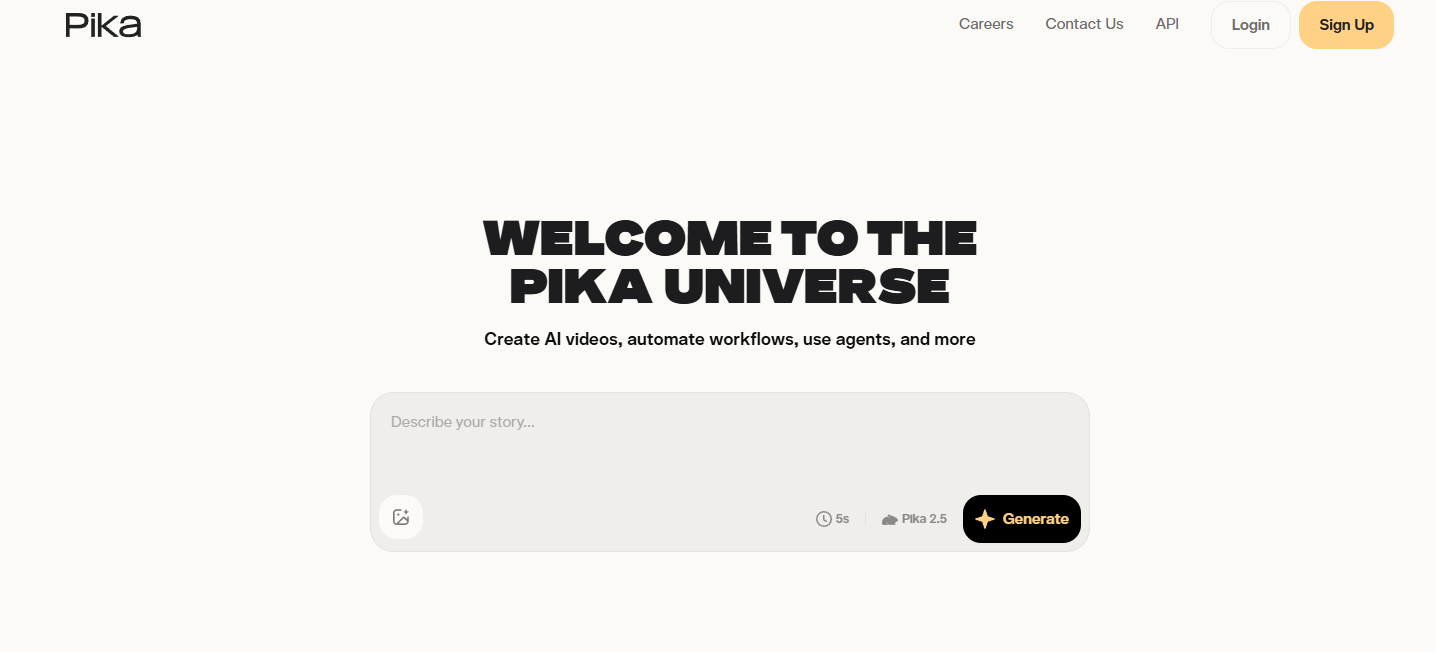
Pika AI
Creative AI video generator focused on cinematic short-form content and visual effects.
What It Does
Pika AI allows users to generate short AI videos from text prompts, images, or existing clips. The platform focuses heavily on cinematic visuals, creative animations, and physics-based AI effects.
Key Features
⭐ Text-to-video generation
⭐ Image-to-video generation
⭐ Pikaffects and physics-based animations
⭐ Pikaswaps and scene transformations
⭐ Pikaframes for cinematic visuals
⭐ Cross-platform browser and mobile support
Pros
✅ Beginner-friendly workflow
✅ Strong cinematic visuals
✅ Creative AI effects stand out from competitors
✅ Fast video generation
✅ Great for TikTok, Shorts, and Reels
✅ Commercial use on paid plans
Cons
❌ Credit system becomes expensive with heavy use
❌ Character consistency can break in longer videos
❌ No advanced built-in editor
❌ AI artifacts and flickering still occur sometimes
❌ Free plan is heavily limited
Best For
Faceless YouTube creators, short-form content creators, meme pages, and users focused on creative AI-generated visuals.
Final Verdict
Pika AI is one of the most creative AI video generators currently available and works especially well for short-form faceless content and cinematic social media clips.
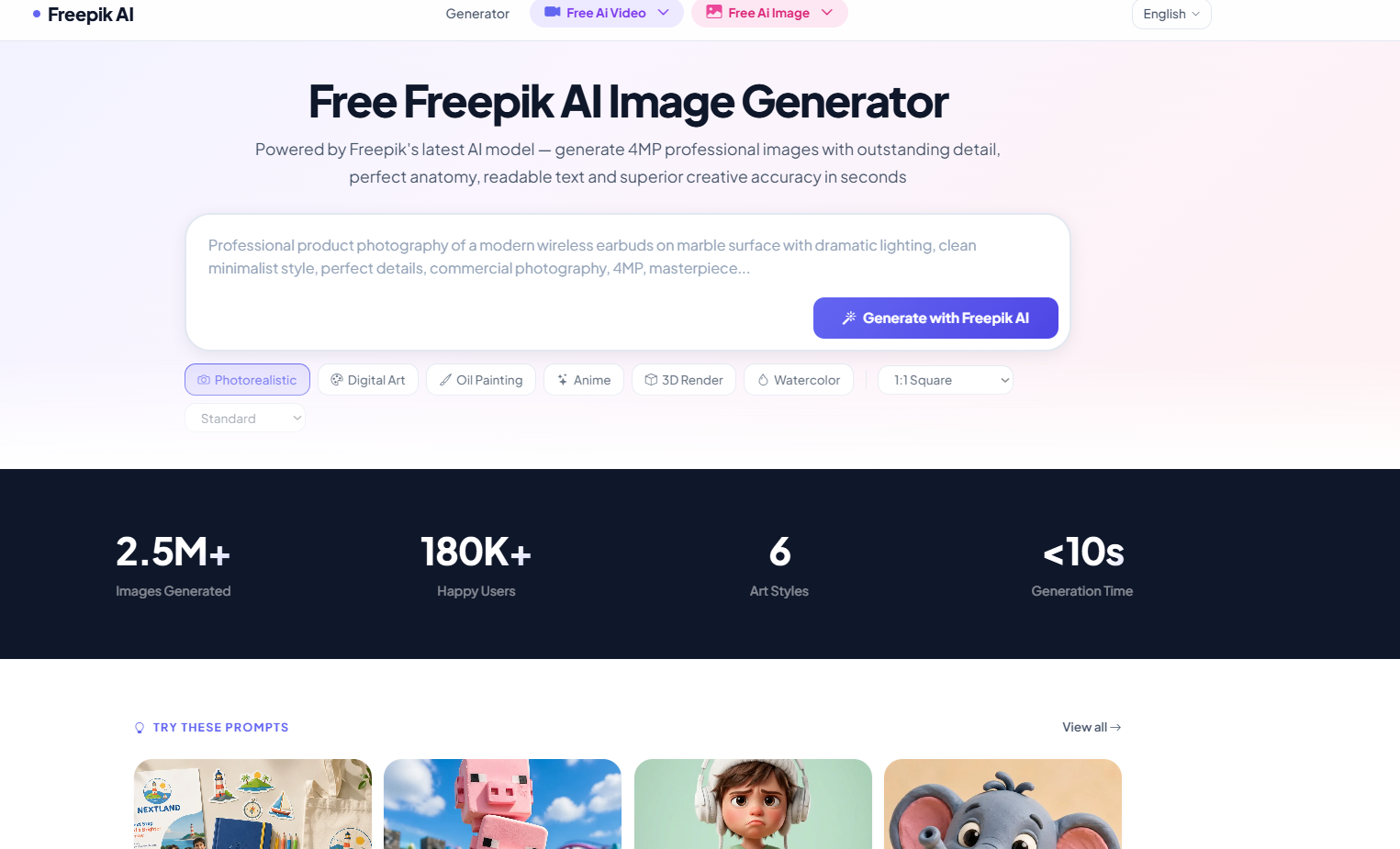
Freepik AI
All-in-one AI creative suite for image generation, editing, video tools, and collaborative workflows.
What It Does
Freepik AI combines multiple AI tools into one platform, including image generation, video generation, upscaling, editing, mockups, and collaborative workspaces.
Key Features
⭐ Multiple AI image models
⭐ AI video generation
⭐ Inpainting and outpainting
⭐ Upscaling tools
⭐ AI mockups and design workflows
⭐ Team collaboration with Freepik Spaces
Pros
✅ Excellent image quality
✅ Huge variety of AI models
✅ Strong fantasy and cinematic visuals
✅ Very fast all-in-one workflow
✅ Great collaboration features
✅ Powerful editing and upscaling tools
Cons
❌ AI moderation can feel restrictive
❌ Video tools weaker than dedicated video platforms
❌ Credit usage can become expensive
❌ Some AI artifacts still occur
❌ Text generation inside images remains inconsistent
Best For
Faceless YouTube creators, social media creators, agencies, and creators wanting multiple AI tools inside one ecosystem.
Final Verdict
Freepik AI is one of the most complete AI creative platforms currently available and is especially valuable for creators wanting fast all-in-one content workflows.
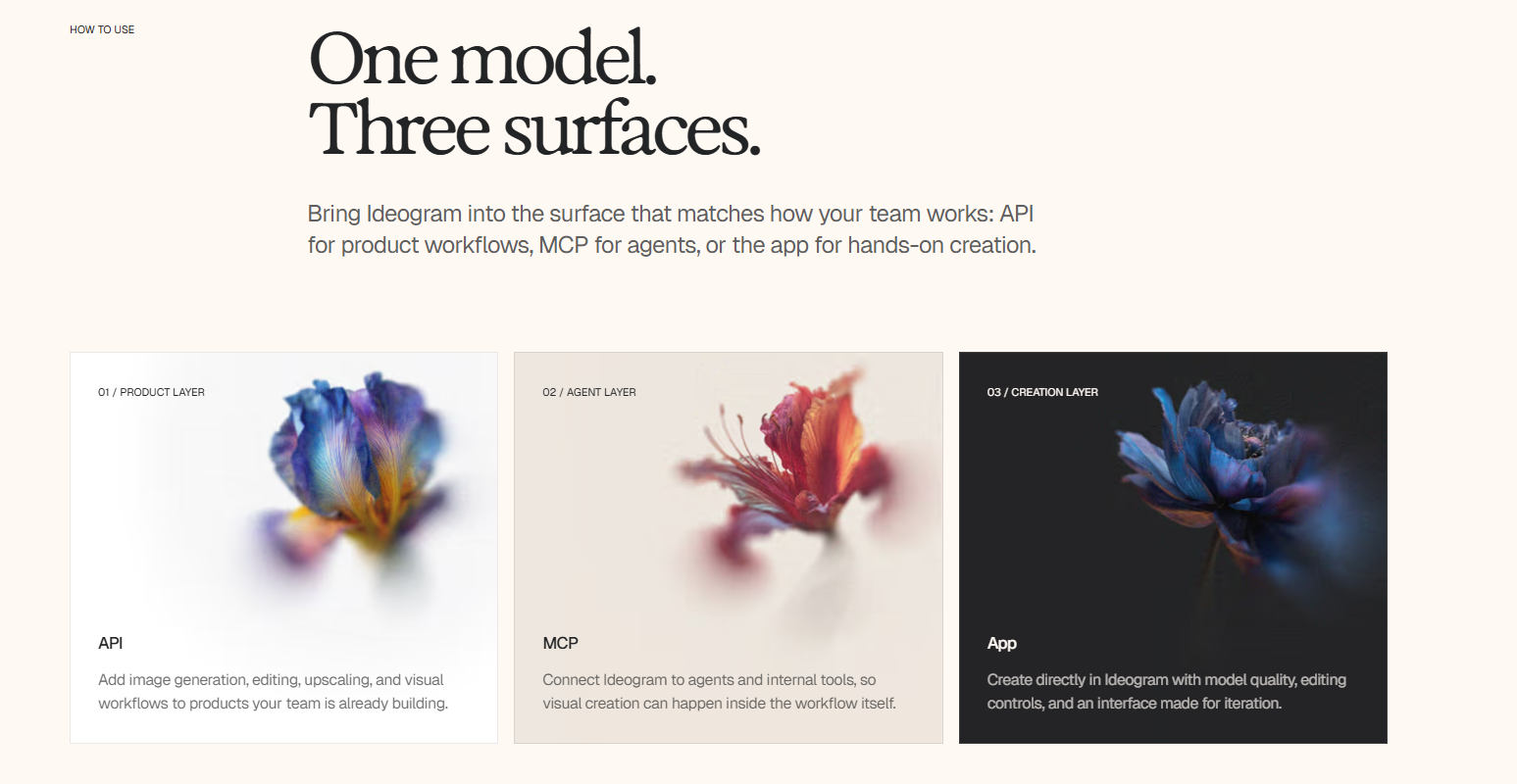
Ideogram AI
AI image generator focused on typography, thumbnails, and marketing graphics.
What It Does
Ideogram AI helps users generate images with readable text directly inside the artwork, making it highly useful for thumbnails, Pinterest pins, posters, and social media graphics.
Key Features
⭐ Strong AI text rendering
⭐ Magic Prompt enhancement
⭐ Built-in image editing canvas
⭐ Inpainting and image expansion
⭐ Fast generation workflows
Pros
✅ Excellent typography generation
✅ Great for YouTube thumbnails
✅ Beginner friendly
✅ Affordable pricing
✅ Fast workflow
Cons
❌ Less cinematic than Midjourney
❌ Some prompt inconsistency
❌ Free plan can feel slow
❌ Upscaling may slightly alter details
Best For
YouTube creators, bloggers, marketers, Etsy sellers, and creators producing graphics with text overlays.
Final Verdict
Ideogram is one of the best AI image tools for thumbnail design and marketing graphics thanks to its strong typography capabilities.
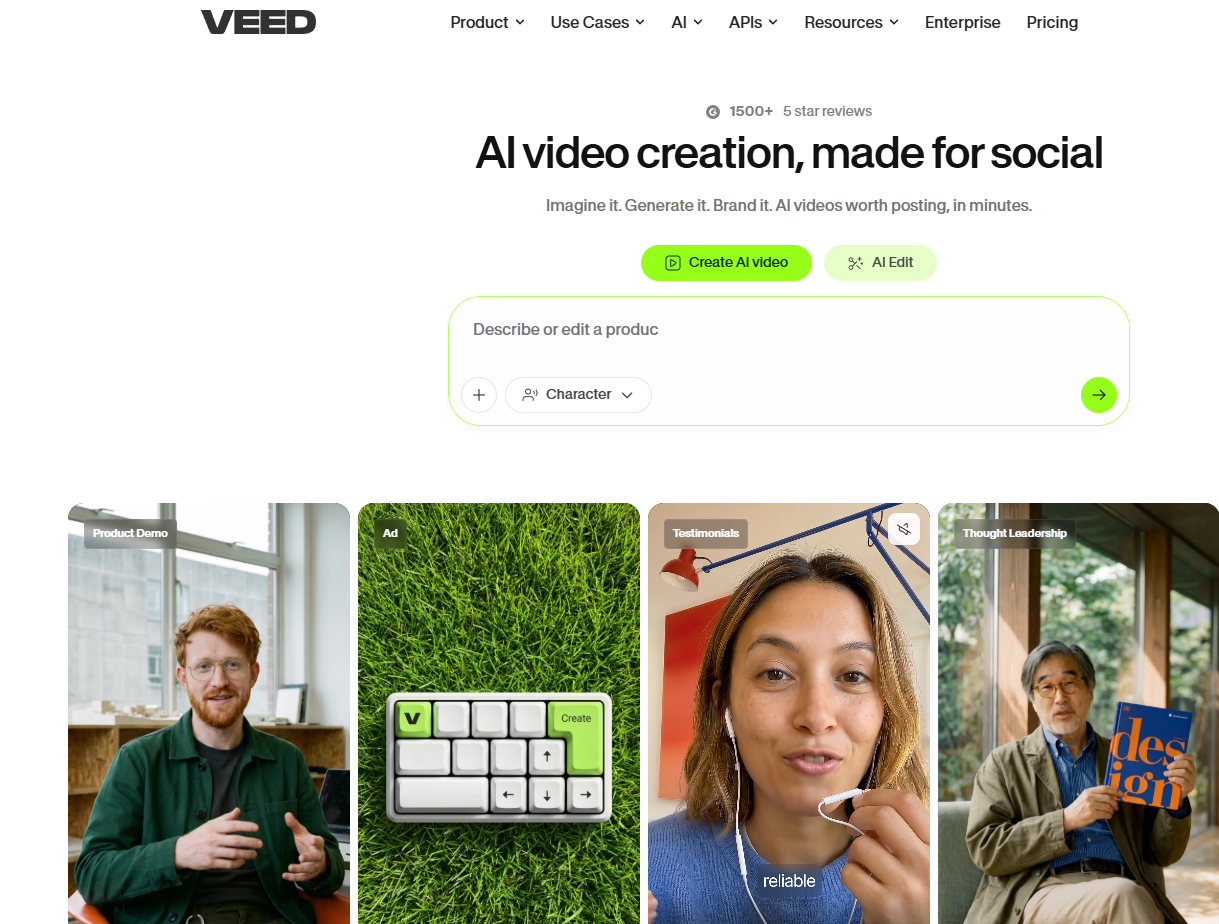
VEED.io
Browser-based AI video editor for quick social media and YouTube content creation.
What It Does
VEED.io helps users edit videos directly inside the browser using drag-and-drop tools, AI subtitles, templates, and simple editing workflows.
Key Features
⭐ Browser-based video editing
⭐ Auto subtitles and captions
⭐ AI voice and avatar tools
⭐ Stock media library
⭐ Templates for social content
Pros
✅ Very easy to use
✅ Fast editing workflow
✅ Great for beginners
✅ Runs fully inside browser
✅ Helpful subtitle generation tools
Cons
❌ Subtitle accuracy can be inconsistent
❌ Large projects may lag
❌ AI tools still feel limited
❌ Watermark limitations on free plan
❌ Not ideal for precision editing
Best For
Beginners, social media creators, and faceless YouTube channels needing fast browser-based editing.
Final Verdict
VEED.io is a solid beginner-friendly AI video editor for fast content creation, especially for Shorts, TikTok, and simple faceless YouTube workflows.