
AI Video Tools Compared: Which One Is Right for You?
AI video creation has evolved rapidly over the last few years. What once required expensive software and hours of editing can now be done with a simple prompt.
Today’s AI video tools can generate complete videos, create voiceovers, add captions, translate content into multiple languages, and even produce AI avatars without requiring any editing experience.
However, not every platform is built for the same purpose. Some focus on short-form social media content, while others are designed for marketing campaigns, faceless YouTube channels, or AI-generated video creation.
In this comparison, we’ll look at some of the most popular AI video tools available in 2026, including InVideo AI, CapCut, PixVerse, FalcoCut, and Revid AI, to help you find the right option for your needs.
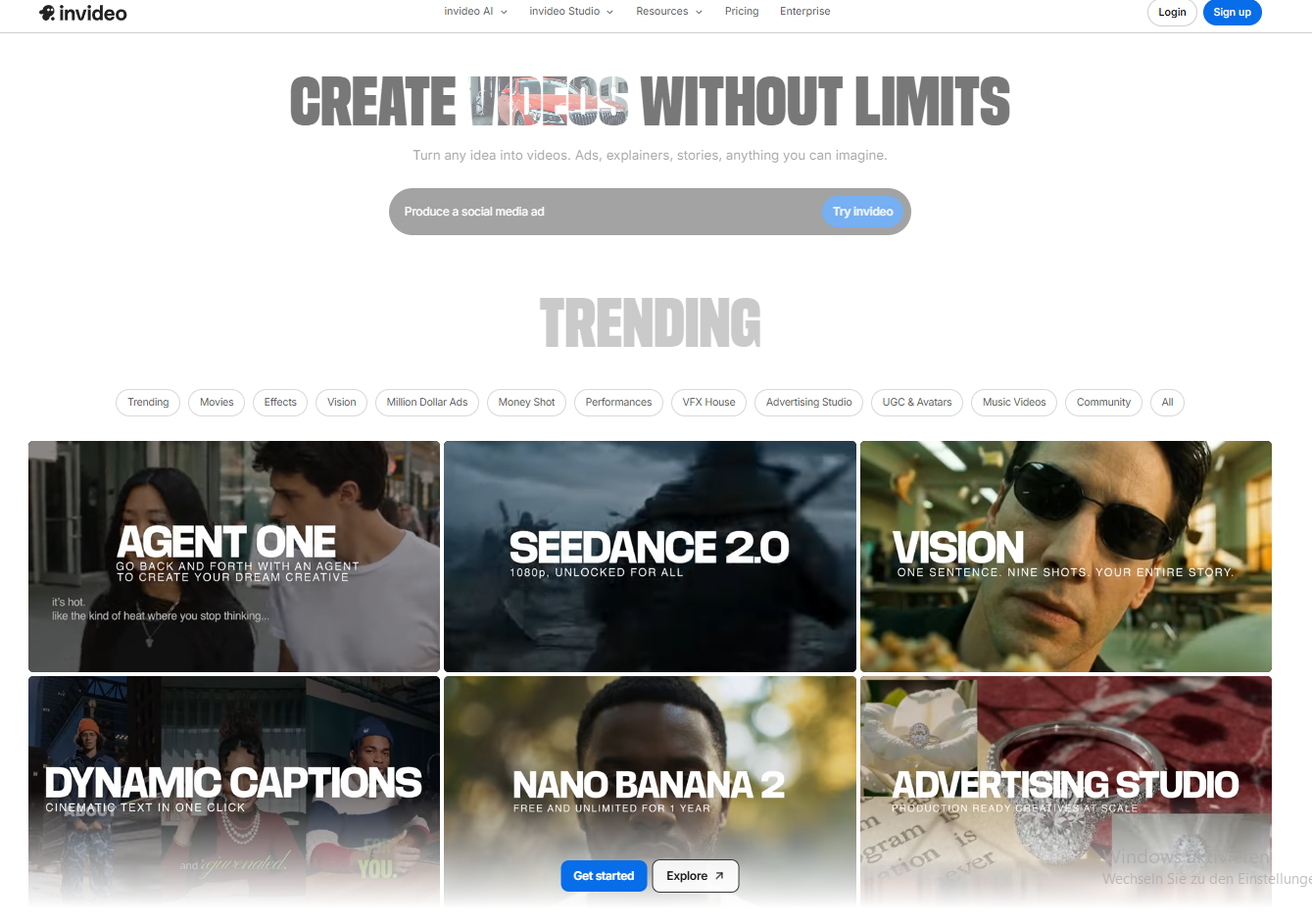
InVideo AI
AI automation platform for building workflows and AI agents without coding.
What it Does
InVideo AI creates complete videos from text prompts. The platform automatically generates scripts, visuals, voiceovers, captions, transitions, and background music, making it one of the fastest ways to produce social media content.
Key Features
⭐ AI text-to-video generation
⭐ AI editing commands
⭐ AI voiceovers and voice cloning
⭐ 10,000+ templates
⭐ Brand kits
⭐ AI avatars
⭐ Team collaboration
⭐ Multilingual support
Pros
✅ Extremely beginner-friendly
✅ Generates complete video drafts within minutes
✅ Great for short-form content production
✅ Supports multiple languages
✅ Improved AI voice quality
✅ Voice cloning available
✅ Large template library
✅ Access to advanced AI video models at a lower cost
Cons
❌ AI-generated scripts can feel generic
❌ Editing precision is limited
❌ AI minutes don’t roll over each month
❌ Avatar lip-syncing isn’t always perfect
❌ Frequent regenerations can consume credits quickly
❌ Not ideal for highly polished cinematic productions
Best For
Fast, automated video creation for social media content, especially when speed matters more than precision.
Final Verdict
InVideo AI is one of the best choices for creators who prioritize speed and volume. It won’t replace professional editing software, but it’s excellent for producing social media content quickly and efficiently.
CapCut
Beginner-friendly video editor with powerful AI features, ideal for TikTok, Reels, and short-form content creation.
What it Does
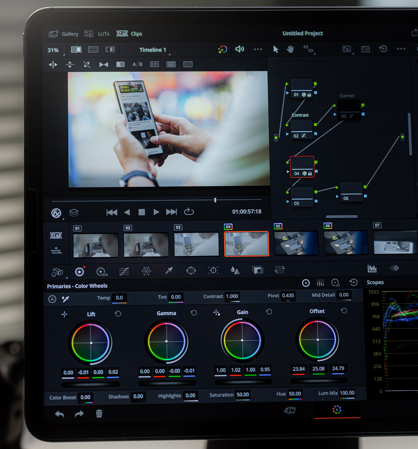
CapCut combines traditional video editing with AI-powered tools such as auto-captions, background removal, image-to-video generation, and social media templates. It’s particularly popular among TikTok and Reels creators.
Key Features
⭐ AI auto-captions
⭐ Background removal
⭐ Object removal
⭐ Image-to-video generation
⭐ Video templates and effects
⭐ Mobile and desktop editing
⭐ Cloud syncing
⭐ TikTok integration
Pros
✅ Easy-to-use interface
✅ Excellent free plan
✅ Strong AI auto-captioning
✅ Huge template and effects library
✅ Great mobile editing experience
✅ Useful AI tools like background removal and image-to-video generation
✅ Seamless TikTok integration
Cons
❌ More features are moving behind paywalls
❌ Limited for advanced editing workflows
❌ Privacy concerns due to ByteDance ownership
❌ Customer support receives mixed reviews
❌ Pricing structure can be confusing
Best For
Beginners and short-form creators who want a powerful free or low-cost editing tool.
Final Verdict
CapCut is still one of the best free AI video editors in 2026 — especially for short-form content creators and beginners. For TikTok, Reels, and fast social media production, it’s hard to beat its speed and ease of use.
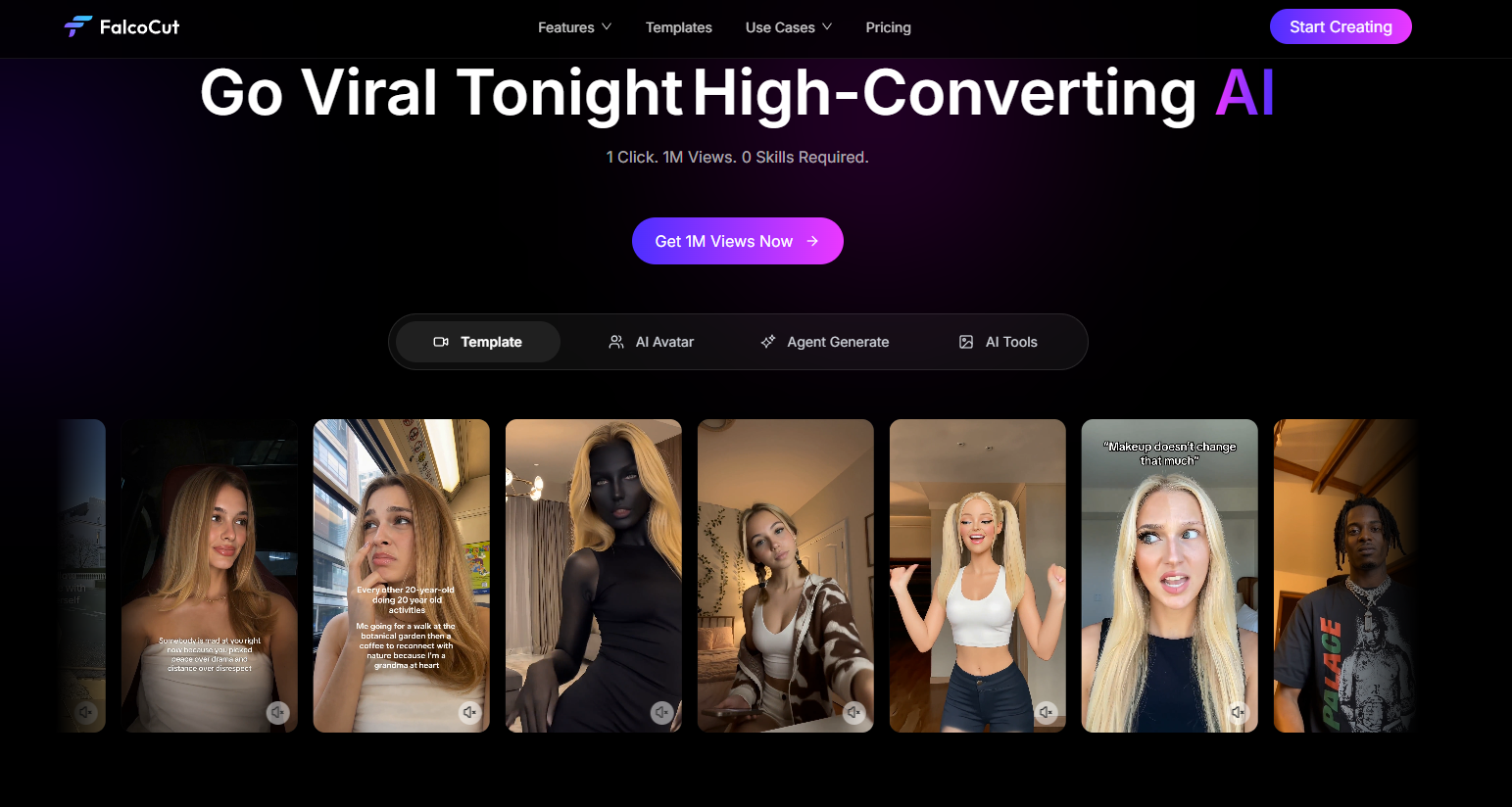
FalcoCut
AI-powered video agent focused on creating marketing videos, UGC ads, and multilingual content at scale.
What It Does
FalcoCut helps marketers create short-form videos using AI avatars, voice cloning, subtitles, localization tools, and text-to-video workflows. It is primarily designed for advertising and UGC-style content.
Key Features
⭐ AI avatars
⭐ Text-to-video generation
⭐ Voice cloning
⭐ AI lip-syncing
⭐ Subtitle generation
⭐ Video localization
⭐ Face swapping
⭐ Marketing video workflows
Pros
✅ Simple text-to-video workflow
✅ AI avatars reduce the need for filming
✅ Supports localization in multiple languages
✅ Strong subtitle and caption features
✅ Voice cloning capabilities
✅ Great for ad testing and content variations
✅ Browser-based and beginner-friendly
Cons
❌ Watermarks on free exports
❌ Credit-based pricing can become expensive
❌ Less editing control than traditional software
❌ Avatar quality can still feel artificial
❌ Not suitable for cinematic productions
Best For
Marketing teams and advertisers who need scalable video production and multilingual content.
Final Verdict
FalcoCut is best suited for marketers, agencies, and e-commerce businesses that need large volumes of short-form content quickly. Its localization and avatar features make it particularly useful for international campaigns.
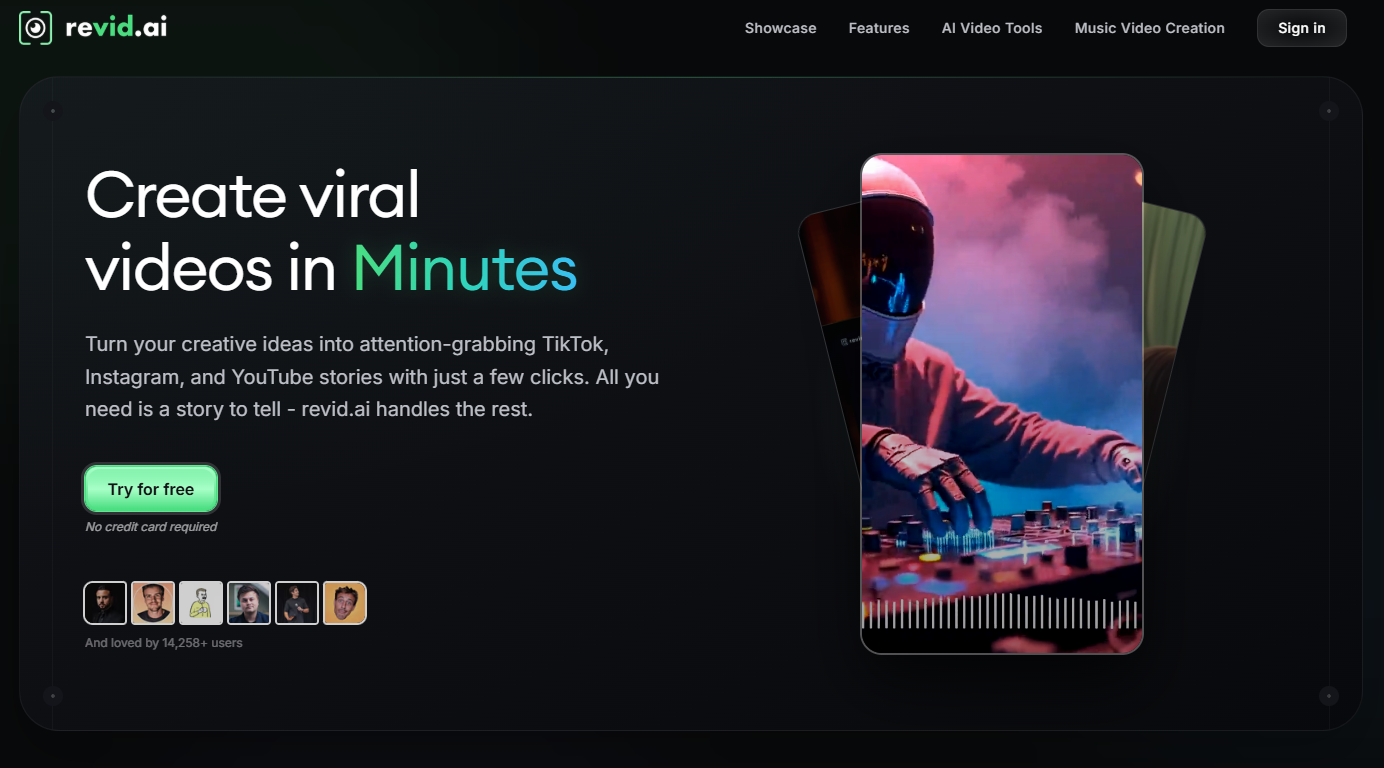
Revid AI
Automated short-form video creator that transforms prompts, URLs, PDFs, and scripts into ready-to-post social videos.
What It Does
Revid AI automatically converts prompts, documents, URLs, and scripts into social-media-ready videos complete with stock footage, voiceovers, captions, and vertical formatting.
Key Features
⭐ Prompt-to-video generation
⭐ URL-to-video conversion
⭐ PDF-to-video conversion
⭐ AI voiceovers
⭐ Automatic captions
⭐ Vertical video formatting
⭐ Stock footage integration
⭐ Viral content inspiration tools
Pros
✅ Fast content generation
✅ Designed specifically for Shorts, Reels, and TikTok
✅ Automatic voiceovers and captions
✅ Easy to use for beginners
✅ Great for scaling content production
✅ Helpful viral content inspiration tools
Cons
❌ Heavy reliance on stock footage
❌ Caption customization is limited
❌ Less creative control
❌ AI voices aren’t as natural as premium competitors
❌ Results depend heavily on script quality
Best For
Creators who want to publish high volumes of short-form videos quickly with minimal editing effort.
Final Verdict
Revid AI is a strong choice for creators focused on publishing content consistently. While it lacks advanced customization, it delivers speed and simplicity for social media workflows.